
On commissioning day, someone has to take the work on
Once the system starts generating, the building manager still needs to know where to find the drawings, who to contact when an alert appears, and which data set to use when checking back over past performance. If all of that sits with one coordinator, a change of staff or of maintenance contractor can break the thread. The handover meeting should therefore include both the project owner's representative and the person who will look after the system day to day.
This checklist is about receiving documents and responsibilities after installation. It is not a do-it-yourself electrical testing procedure, and the requirements are not identical on every project. Where the provider still owns the system under contract, agree as well which documents or access rights are passed to the building user and which remain with the provider.
Keep as-built drawings separate from the tender drawings
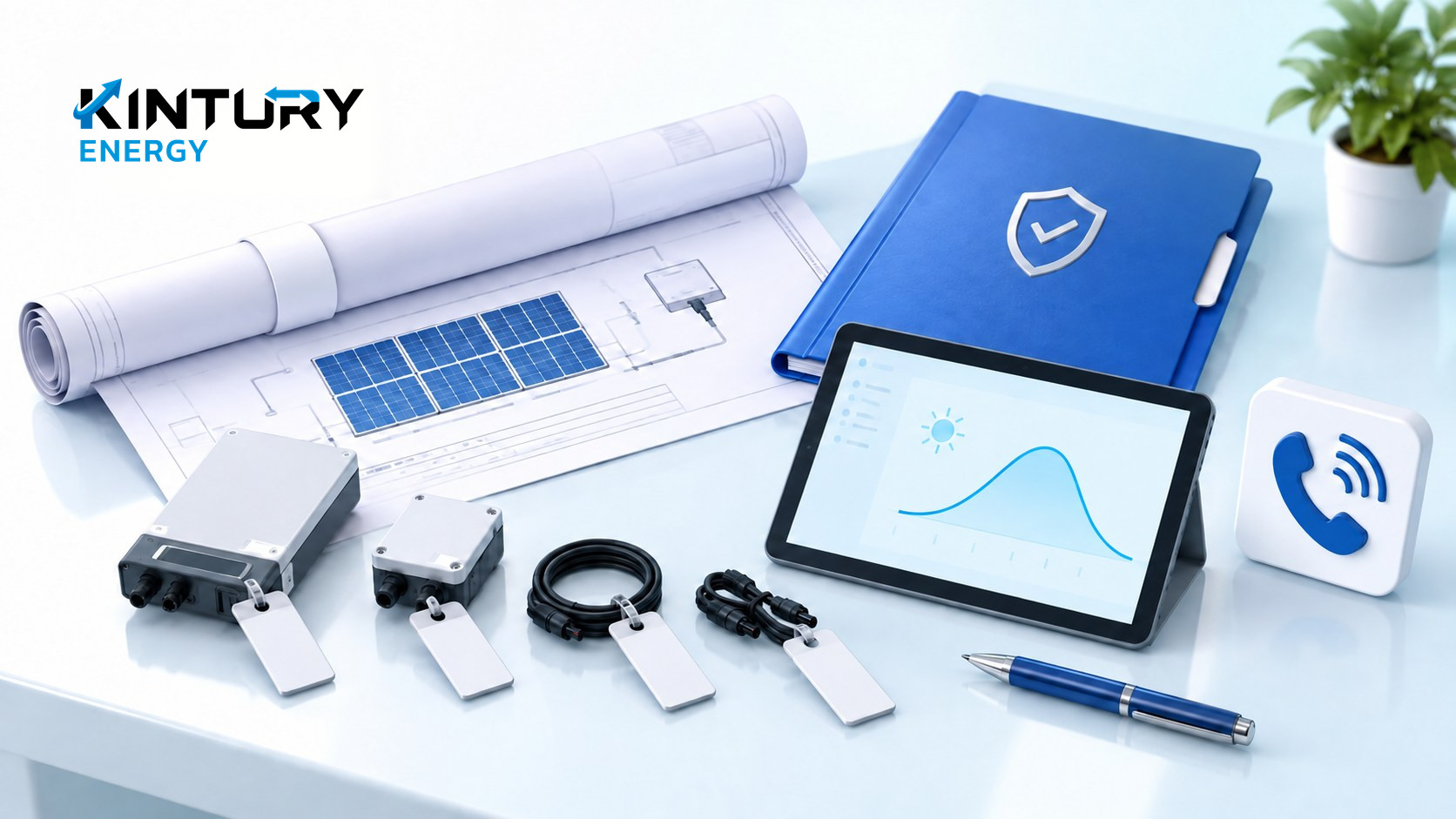
Ask for a document index that states the project name, the building or connection point, the document revision, the date and the author. Start with as-built drawings, the equipment register, manuals, test results and service channels. With several buildings, file by system so nobody picks up the wrong building's drawings, and have the responsible person confirm which revision is current.
The SAPC handbook published by NREL in 2015 has a system documentation section covering equipment data, electrical diagrams, manuals, warranties and test results. It works as a framework for asking questions, but it is overseas guidance, not a current Thai legal checklist. What is actually required should be checked against the contract, the designer and the relevant authorities.
Tie the equipment register to physical locations
Ask for a register that pairs equipment type, brand, model, the relevant serial numbers and the installed location, together with the reference photographs the installation team already has. The building owner does not need to climb onto the roof or open a switchboard to take these. The aim is that when a problem is reported, everyone can name the same unit or area instead of a vague "the solar is down".
Try a single lookup — say, the inverter named in a report — and have the handover team point out which drawing, manual and warranty page it connects to. Where the name in the app does not match the code on the drawing, make a mapping table. How easily information can be found is something you can check on handover day, without changing any equipment settings.
Take the test results along with the open items
Ask the responsible person to explain each test report: which system, when it was checked, who carried it out, and which items passed, failed or were not tested. Keep "it is generating" separate from the status of permits and of the connection that applies to that project. Where remedial work is outstanding, record who owns it, what evidence is due, and the date for re-inspection.
A hypothetical example: the system shows output, but the building name on the report page is still wrong. That item may be a data-entry fix and should not close out the whole handover just because numbers appear on screen. Conversely, electrical test results that need a qualified person's judgement should not be signed off by whoever receives the documents. Keep both statuses explicit.
Try opening the reports with your own organisation's access
Have the assigned manager open the reporting page from their own account and check that the site name, date range, units and last-updated time all display, and download a sample report if the platform supports it. Keep view access separate from the right to change control settings, and appoint a backup administrator as agreed. Passing an installer's password around in a chat group is not a handover method.
Note which device the data comes from and who to notify when it stops updating. A screen that has frozen may be a communications issue, so do not conclude from that one point that generation has stopped or equipment has failed. Ask the provider to specify how to report an incident and what information the building user can safely collect, such as the time it happened and a screenshot.
Close the handover with named owners and a follow-up date
Produce a one-page summary of who keeps the documents, who watches the reports, who receives incident reports, and who approves contracted maintenance work. Keep the warranty terms for each part together with the contact route and the exclusions you actually received. Do not roll panel warranty, installation warranty and maintenance service into a single number without checking the paperwork.
Kintury Energy sets out its commissioning and post-installation care steps on its website, so building users can take this index and question list into a discussion about who takes over within the project's scope. After handover, schedule a review of the open items and of how easily information can be found. The goal is that whoever takes over knows which document to use and who to contact when something real happens.