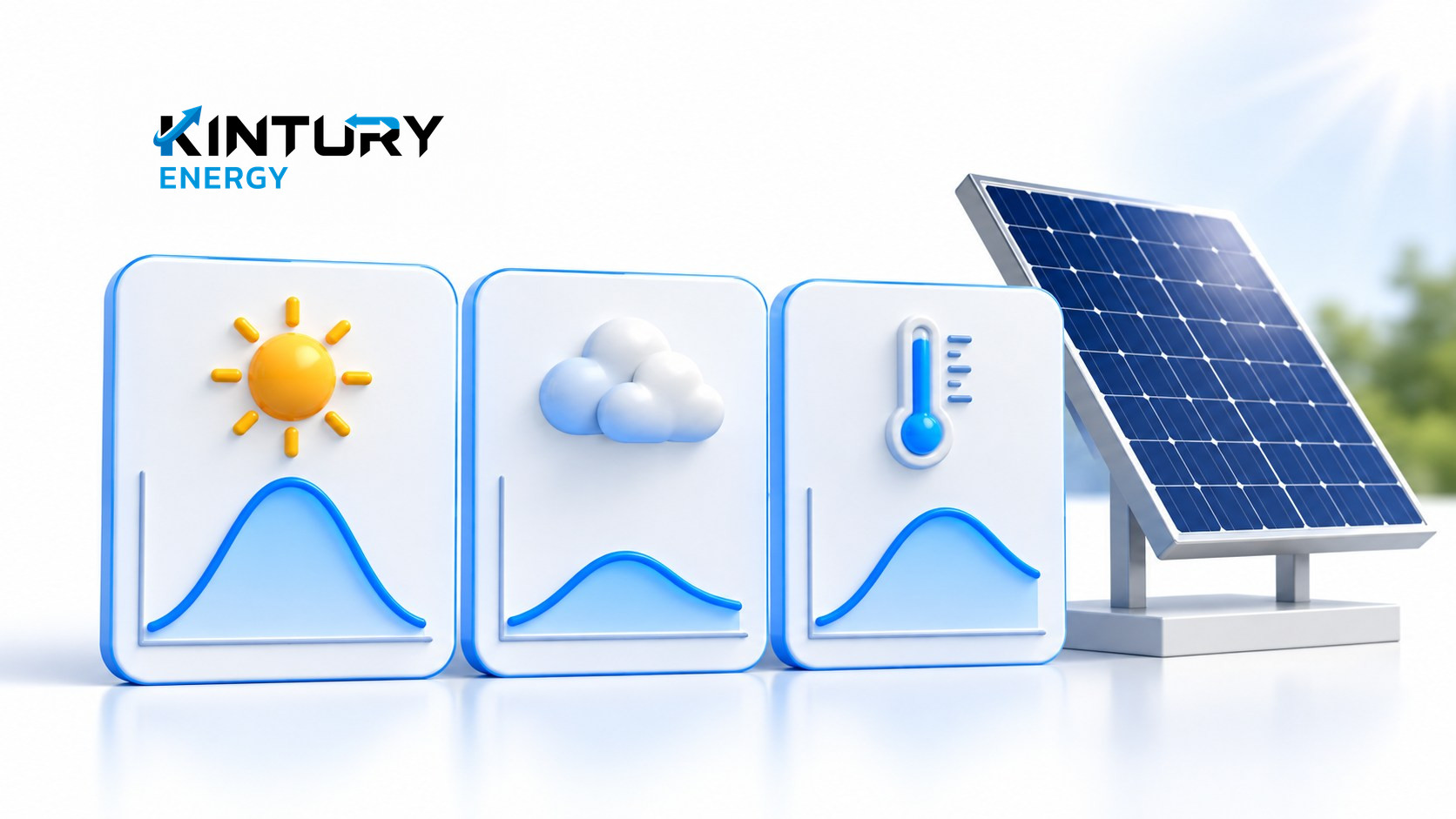

Start with what the numbers are actually saying
When you open the app and see output below yesterday's, the first question should not only be whether a panel has failed. Check that you are comparing the same kind of figure, over the same period, and that the data is complete. Reading numbers in context lets you raise the right issue with your maintenance team, without changing settings or going up to inspect equipment yourself.
This article is a guide to reading reports, written for business owners and building managers. It is not a fault-diagnosis standard or a performance-guarantee formula. If there is smoke, a burning smell or any sign of danger, use the site's emergency plan and contact the responsible person immediately — do not wait until you have a full month of data.
Compare completed periods, in the same units
Take cumulative generation figures for days that have finished. Do not compare today's total at midday with yesterday's whole day. Check the system name, the date, the time zone and the units in the report. If the home screen shows instantaneous power while the daily report shows accumulated energy, the two mean different things and should not simply be subtracted from one another.
A hypothetical example: yesterday produced 180 units over the full day, while today at midday shows 95 units. You cannot yet conclude that today is down by almost half, because the periods are not equal. Wait for a comparable window, or look at the same window in the historical data. This figure illustrates how to read a report; it is not the expected output of a system of any particular size.
Add the context of sunlight, temperature and shading
The U.S. Department of Energy explains that the energy actually harvested is affected by heat, dust and shading, whereas efficiency figures tested in a laboratory use controlled conditions. An efficiency number on a datasheet should therefore not be read as a promise that the system will produce the same amount every day.
Note the weather you can observe — when cloud was heavy, or whether a new obstruction has appeared near the building — and state that these are observations, not instrument readings. Another page from the same agency explains that high temperatures reduce cell voltage and efficiency, so "it felt very hot today" is not evidence that output should have been at its highest.
Check for gaps in the data before assuming lost generation
Look at when the data was last updated and where the graph has gaps. If the system has several devices, note whether they all drop out together or only one does, then send a screenshot to the maintenance team. A fault in data transmission and a real shortfall in generation have to be analysed separately — do not fill the gap with a guess to make the graph continuous.
Ask whoever looks after the system to confirm which meter or device the report comes from, and whether there is a reliable way to check historical data. If that cannot be confirmed, show "data incomplete" in the summary. A report that states its limitations openly guards against a judgement made on a low total that may only reflect part of the period.
Look at the trend alongside a log of system events
Build a daily table with the date, energy generated, data completeness, the weather you know about, and events such as a scheduled maintenance visit or a reported power cut. Once a sustained change is visible, discuss with the maintenance team which period or model it should be compared against. Do not set a rule that a drop of X percent means a fault, without data specific to that system.
If you want to compare two buildings, check how system size, orientation, shading and time periods differ as well. Dividing output by installed capacity can help organise a first look, but it does not remove all the environmental differences. For managers without that information, tracking the same system consistently is usually a clearer starting point.
Ask questions that let the maintenance team take it further
An inspection request should contain the system reference, the dates when the problem appeared, graph images, any downloadable report file, and the events you actually know about. State clearly whether you want missing data checked, the trend reviewed, or the difference from an estimate explained. Do not climb onto the roof, open panels or try resetting equipment to find the cause without a responsible person supervising.
Kintury Energy sets out its post-installation maintenance and equipment inspection services on its website, so a business can use this tracking table when contacting the maintenance team within the project's service scope. When the findings come back, keep the conclusion and the action taken alongside that data period, so the next review builds on continuous evidence.