
Start with the network change and last update time
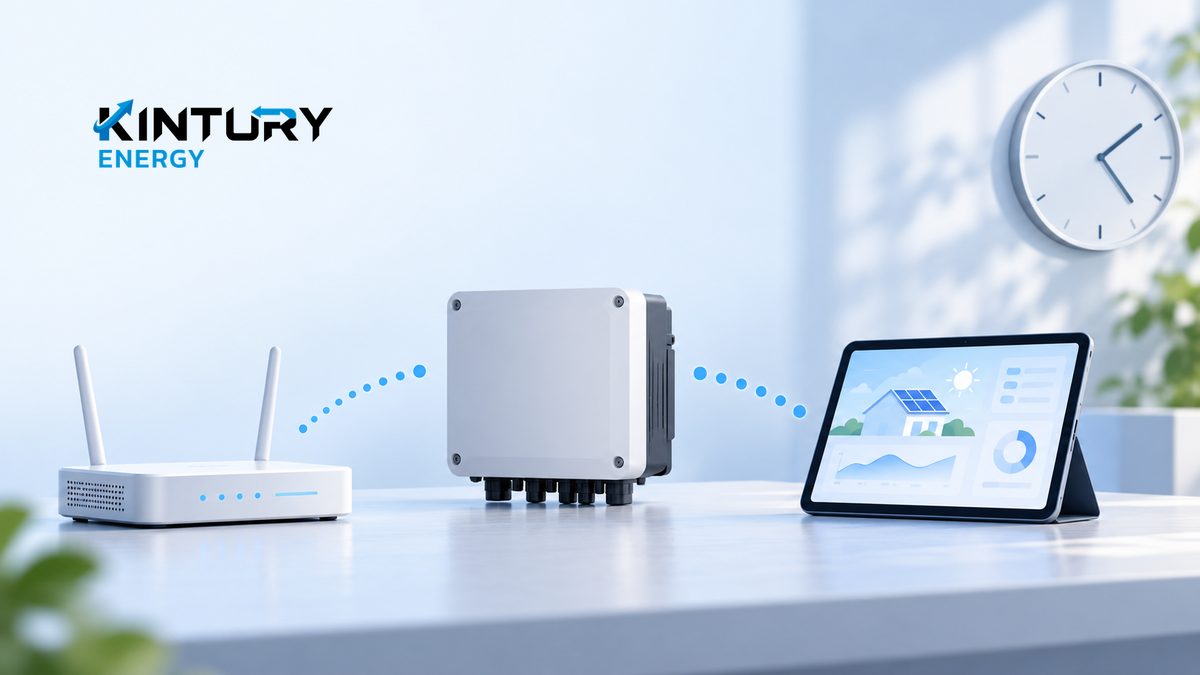
If your solar app shows old data after a router or internet service change, record when the change happened and the app's last update time. Note whether the whole site or only some devices are affected. Stale data alone does not establish whether electricity generation has stopped or is continuing normally. Support needs to check device operation and data transmission separately so that a network fix does not hide another problem occurring at the same time.
Match the instructions to the model and connection
The Fronius GEN24 support page includes internet setup after replacing a router, distinguishing wired LAN and Wi-Fi connections. This illustrates that a network change may require device connection settings to be updated according to its manual. Procedures and limitations depend on the actual model. Do not apply one manufacturer's method to every system or assume all devices support the same frequency band. This example does not state that every Kintury Energy project uses this product.
Prepare information that narrows the checks
Collect the inverter and communications device models, wired or wireless connection method, monitoring site name, and what changed, such as the network name or internet provider. Identify the app account administrator, installer and site's network administrator so they can coordinate. Keep screenshots of status messages with unnecessary information hidden, and do not send passwords through ordinary chat. A factory reset before the cause is known may erase configuration information needed for diagnosis.
A connected phone does not verify the inverter connection
For example, a phone may already be using the new network while the monitoring device still refers to the old network name. An authorized person should check the actual device connection against its manual. On a company network, IT and the installer should coordinate connection and data transmission policies. Do not disable protection across the network just to experiment, or open an inverter or change electrical components yourself to fix an app problem.
Confirm fresh data for the correct site
After support restores the connection, check that the site name and device list are correct, update timestamps advance, and previously missing devices transmit data again. Keep before-and-after screenshots with the test period. Ask separately whether the particular model retains missing historical data and can send it later. Current readings returning does not establish that the history is complete. Generation faults still need separate checks if there are abnormal indications.
Give energy support a clear description
When consulting Kintury Energy about a solar system, provide the event timeline, device models, connection method and status screenshots with confidential information removed. Mention whether the site's IT team needs to be involved. These details help installation and system care enquiries begin with facts. Suitable corrective work depends on the actual system and access permissions, so an app symptom alone cannot justify a guaranteed restoration time or electricity output.